iPhone 18 Pro / Pro Max · iOS 27

A photographer’s camera.
Not Camera.app.

The Fusion Main iris, treated as a lens.

Snap drives the six laser-cut blades on iPhone 18 Pro as a real aperture — continuous ƒ between 1.48 and 4.0, Av so depth of field doesn’t pulse, a cinema EVF, and a library of negatives grouped by the mechanical stop you shot. Camera.app stopped at four detents and a histogram.

Physical iris on 18 Pro / Pro Max · Av and Manual · Cinema EVF · Apple Watch crown as the ring

Night street with gold bokeh in the Snap viewfinder
SNAP HEIF
ƒ/1.8 1/125 ISO 100 24mm
ƒ/1.8
0.5×13 24 48 100 200
Photo Night Video Iris Stack
Pro Deck
AutoAvM

You set ƒ. Snap rides shutter and ISO.

Program
Av · Aperture priority Iris locked. Exposure rides.
Hardware
ƒ/1.48 – ƒ/4.0 Six blades. Continuous range.
ƒ Continuous iris, not four taps Av Depth of field stays put EVF Waveform, peaking, zebras Negatives Grouped by mechanical stop

Why this exists

Built for people who already think in ƒ.

Apple put a mechanical iris in a phone and then hid it behind four scene labels. Snap is the camera that treats those six blades the way a photographer would — as a lens, with a ring, a program dial, and a strip of negatives.

Optical bokeh, not a Portrait matte

ƒ/1.48 on Fusion Main is light gathering and real blur from the iris. Snap never substitutes a software cutout for a stop you can feel on the blades.

Exposure programs a body would recognize

Av locks the mechanical ƒ and rides shutter and ISO so depth of field does not pulse mid-take. Manual locks all three. Auto is there if you want it — it is not the product.

A viewfinder, not a preview

Waveform, false color, focus peaking, zebras, film gates, a gyro horizon, and a live DoF barrel. Camera.app stopped at a histogram.

Negatives, not Recents

Every capture lands with iris, shutter, ISO, lens, program, and white balance, grouped by the mechanical ƒ it was shot at. That is how a photographer reviews work.

Studio photograph of a six-blade mechanical camera iris with gold-edged blades and a burgundy opening.

What beats Camera.app

Same hardware. A photographer’s control surface.

Apple’s newsroom said third-party apps get even more control across the aperture range than Camera.app’s four detents. Snap takes that API and builds a body around it.

Camera.app

  • Four official stops: ƒ/1.48, ƒ/1.8, ƒ/2.8, ƒ/4.0. No in-betweens.
  • No Av. The iris can wander while you shoot.
  • Camera Control mapped to zoom.
  • A histogram, if you go looking.
  • Portrait is a depth matte.
  • Library is Recents.
  • No iris bracketing. No sunstar mode. No film gates.
  • Watch remote is a shutter click.

Snap Photography

  • Continuous ƒ from 1.48 to 4.0, with magnetic detents on Apple’s four stops.
  • Av and Manual. Lock the blades. Ride or lock the rest.
  • Camera Control mapped to aperture.
  • Cinema EVF: waveform, false color, peaking, zebras, ghost frame.
  • Optical DoF from the mechanical ƒ and subject distance.
  • Negatives grouped by mechanical ƒ, with full telemetry.
  • Iris Stack fires all four physical stops in one press. Sunstar at ƒ/4.
  • Digital Crown is the iris ring. Live preview on the wrist.

The ring

A real DoF barrel. A haptic iris.

Pull ƒ the way you would on a stills body. Snap snaps to Apple’s four official stops when you land near them, and lets you live in the developer range between. Camera Control — the capacitive button — is mapped to aperture, not zoom.

ƒ/1.8

Portrait

Apple’s recommended portrait balance — optical, not a matte.

Jazz club saxophonist in low light, shot wide open.
ƒ/1.48 · Night

Open the iris

About 50% more light than last year’s fixed ƒ/1.78. Handheld low light without begging Night mode to invent the frame.

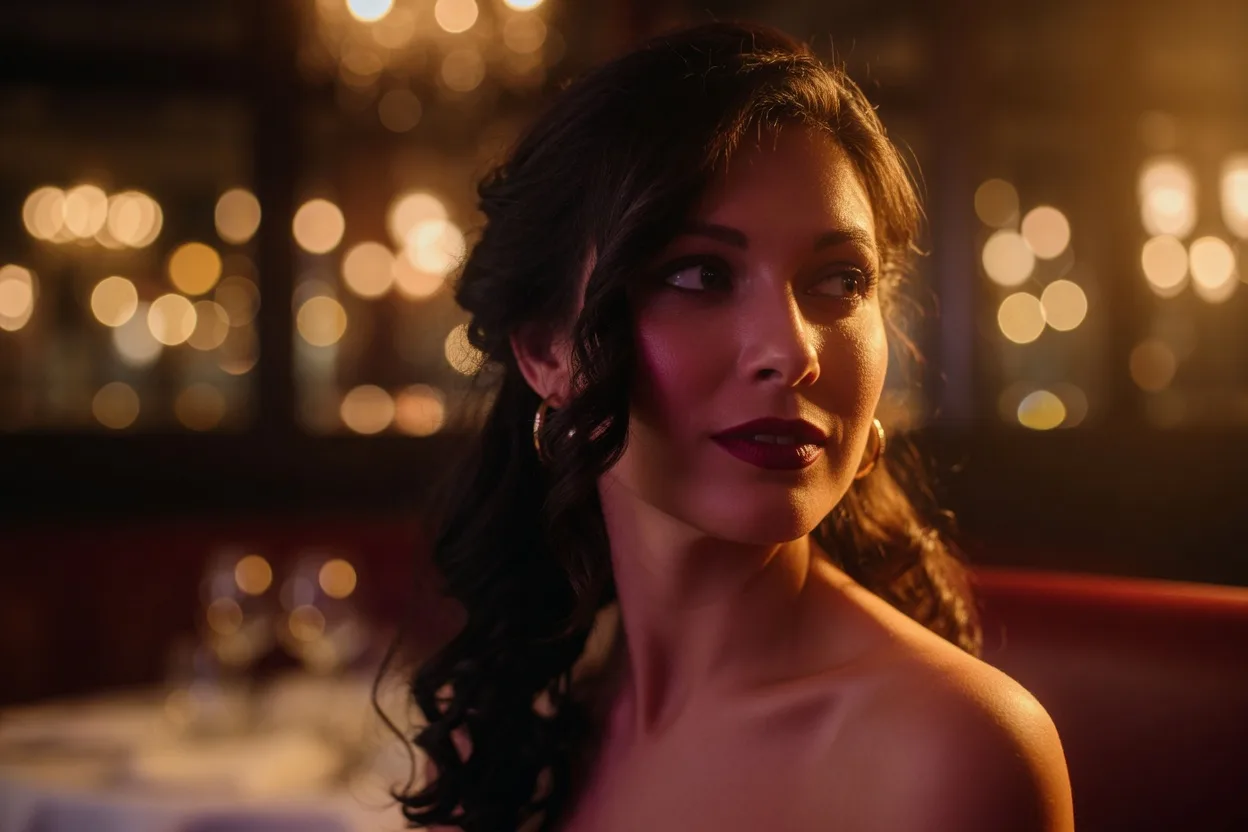
Close portrait with creamy optical bokeh in a restaurant.
ƒ/1.8 · Portrait

Optical bokeh

Apple tuned ƒ/1.8 on Fusion Main for light without melting the ears off a close subject. The blur is from the blades.

Four friends on a rooftop, all in the plane of focus.
ƒ/2.8 · Group

Keep the row sharp

This is why a variable iris exists on a phone. Narrow the blades and the back row stays in the plane of focus.

Mountain ridge with wildflowers sharp from foreground to peaks.
ƒ/4.0 · Landscape

Deep focus

Stop down for the group, the street, the ridge. Point lights star on six laser-cut blades — Camera.app will not draw that for you.

Cinema EVF

Tools from a set, not a phone camera.

A photographer watches exposure, focus, and horizon before the shutter — not in Photos later. Snap puts a waveform, false color, peaking, zebras, ghost frame, and film gates on the finder.

  • Waveform or RGB histogram Live scopes, not a buried overlay you forget is on.
  • Focus peaking Edges light up in green so you can rack by eye.
  • Zebras + false color Clip warnings and a cinema false-color map of the scene.
  • Ghost last frame Match a composition to the previous negative.
  • Film gates Full, 1:1, 4:5, 1.85, 2.39 — frame before you crop.
  • 180° shutter Video locks shutter to frame rate the way a cinema body does.
  • Gyro horizon A live level from Core Motion, not a guess.

Waveform

IRE across the frame. See a blown window before you commit ISO.

Peaking

Tap to focus, then watch the green crawl as you pull.

Zebras

Highlight clip on the finder. Not a histogram you squint at.

False color

Skin, sky, and speculars mapped the way a DIT would want.

Optical DoF

Near / subject / far computed from the mechanical ƒ, Fusion Main’s 1/1.28" sensor, and LiDAR or lens position — not a Portrait-mode matte.

Iris Stack · Sunstar

One press. Four physical frames.

Iris Stack fires ƒ/1.48, ƒ/1.8, ƒ/2.8, and ƒ/4.0 as real hardware positions — not a software HDR stack. Pick later which negative belongs in the set. Stop down to ƒ/4 and let point lights diffract on six blades.

  • Real iris positions Snap waits ~180 ms for the blades, then fires. The ƒ in the file is the ƒ that was open.
  • Sunstar mode Scene advisor parks you at ƒ/4 so street lamps star instead of blooming.
  • Iris rack in video Pull the six blades during a take. Av holds ƒ so exposure changes don’t pulse depth of field mid-shot.
  • ProRAW, HEIF, or JPEG The format is a choice on the Pro Deck, not a setting buried in iOS.
Night plaza with six-pointed sunstars on street lamps, the look of a stopped-down six-blade iris.

Negatives

Grouped by the ƒ you shot, not by Recents.

Photographers don’t browse a camera roll named Recents. They look at a strip of negatives and read the stop. Snap writes iris, shutter, ISO, lens, program, white balance, and scene into every file, then shelves them by mechanical aperture.

Portrait negative at ƒ/1.8
ƒ/1.8 mechanicalAv · 24mm · HEIF
Group negative at ƒ/2.8
ƒ/2.8 mechanicalAv · 24mm · ProRAW
Landscape negative at ƒ/4
ƒ/4.0 mechanicalM · 24mm · HEIF

Apple Watch

The Digital Crown is the iris ring.

Watch never talks to AVFoundation. It talks to Snap. Live JPEG preview on the wrist, shutter from the crown-side button, program and lens from the toolbar — and the crown itself interpolates ƒ across the mechanical range with haptics.

Photographer’s wrist at night with a watch showing a live camera viewfinder and a phone in the other hand.

Remote without a dummy finder

Crown = aperture. Toolbar cycles Av / M and Fusion lenses. Flash toggle on the bottom bar. The shot still writes into Negatives with the ƒ the crown set.

Pro Deck · Fusion system

The rest of the body, not a filter pack.

White balance as a photographer names it. Kelvin when you want it. EV ±3. Shutter to 1/8000 in Manual. Scene advisor recommends a mechanical iris position from metering and mode — not a look.

AWB · Day · Tung · K HEIF · JPEG · ProRAW EV ±3 ISO 50–3200 Focus lock Haptic ring 4K · 60 · spatial audio
13 mm · ƒ/2.2

Fusion Ultra Wide

120° FOV. Fixed iris. Still gets the EVF, gates, and negatives.

24–48 mm · variable

Fusion Main + 2×

The mechanical iris lives here. ƒ/1.48–4.0, six blades, 48MP.

100 / 200 mm · ƒ/2.8

Fusion Telephoto

Tetraprism 4× and optical 8×. Fixed ƒ/2.8, full telemetry.

FAQ

Straight answers.

The physical iris is iPhone 18 Pro and 18 Pro Max on iOS 27. The Fusion Main variable aperture is ƒ/1.48, ƒ/1.8, ƒ/2.8, ƒ/4.0 with a documented developer range between those stops. On Simulator or older iPhones you still get the full UI and a simulated six-blade iris.
No. Camera.app exposes four detents and maps Camera Control to zoom. Snap maps Camera Control to ƒ, adds Av and Manual so depth of field stays put, puts a cinema EVF on the finder, computes optical DoF from the mechanical iris, brackets four physical stops, and files negatives by ƒ. Those are photographer tools, not filters.
Because depth of field is a decision. If the iris hunts while you shoot a portrait or a take, the plane of focus moves. Av locks the blades. Snap rides shutter and ISO so exposure can change without the background crawling in and out of blur.
No. Portrait mode is a depth matte. Snap at ƒ/1.8 is the mechanical iris on Fusion Main — optical bokeh from six blades. The DoF barrel reads near / subject / far from that ƒ and subject distance, not from a person-segmentation mask.
No. Snap is a camera. Photos stay on the device and in your library. There is no identification API, no cloud roll, and no tracking. See Privacy.
Not this app. The product is the Fusion Main mechanical iris and the iOS 27 aperture API. There is nothing to port until a phone has a real variable iris and a public way to drive it.

TestFlight

Open the iris.

iPhone 18 Pro / Pro Max, iOS 27. Request the beta and we’ll send TestFlight. The shipping floor is the physical iris — this is not a filter pack for last year’s phone.

iOS only · Camera, microphone, and photo library permissions · No account required to shoot